

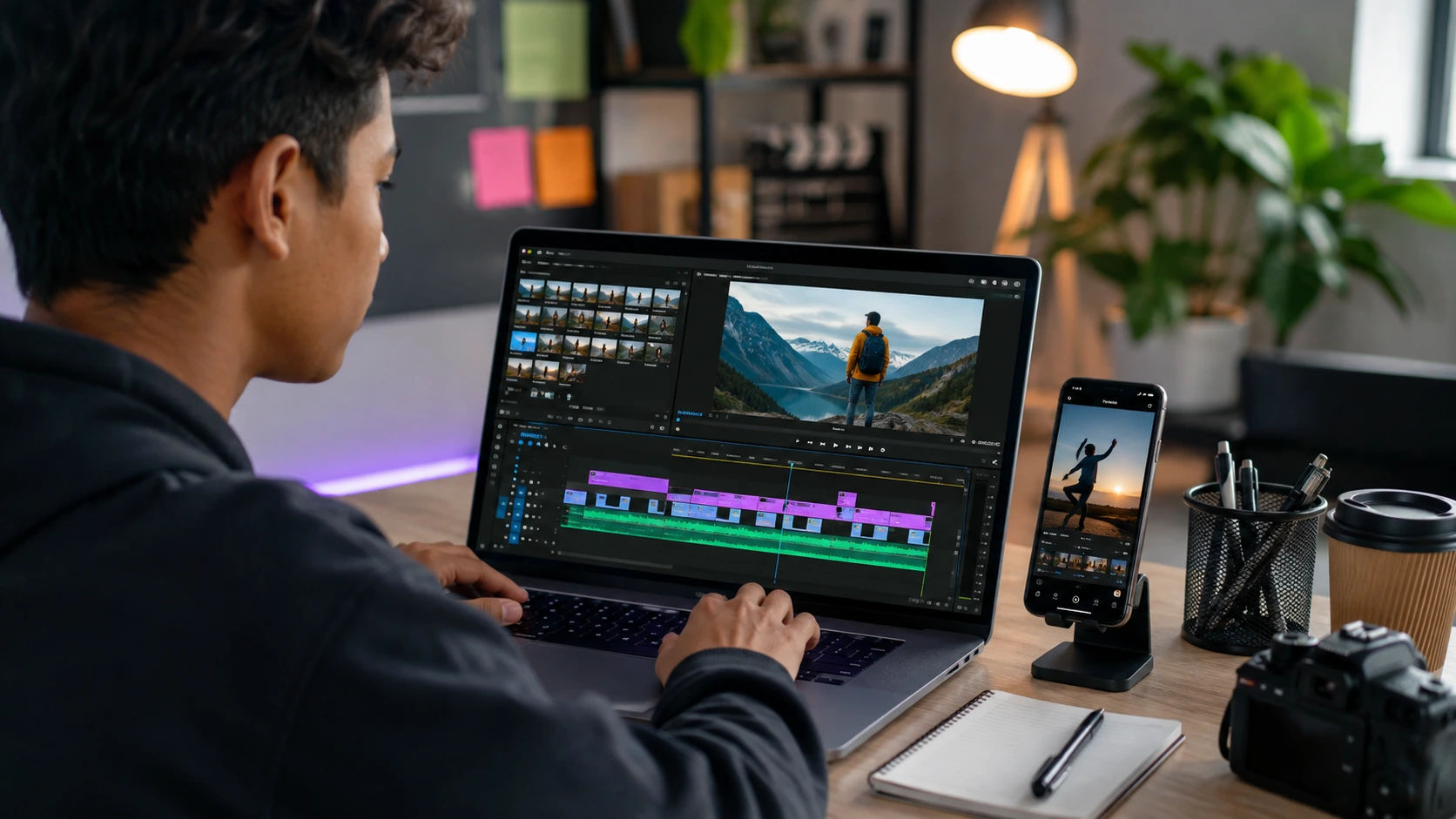
Which Editing Tool Is Best for Beginners in 2026?
If you are learning video editing for the first time, choosing the right editing tool can feel harder than editing the video itself. There are dozens of options, from simple mobile apps to professional software used for films, YouTube videos, advertising, and social media.
The good news is that beginners no longer need expensive equipment or years of technical knowledge to start. Modern editors make trimming, captions, transitions, audio, templates, and basic effects much easier.
https://vidyaudbhav.com/blogs/how-much-can-you-earn-after-an-ai-course
https://vidyaudbhav.com/blogs/how-to-balance-salary-interest-skills-and-future-scope
Quick answer: For most beginners in 2026, CapCut is a strong starting point for short-form and social media videos, Canva is excellent for simple branded content, Clipchamp is convenient for Windows users, iMovie works well for Apple beginners, while DaVinci Resolve is the better choice for learners who want professional-level skills over time. Adobe Premiere Pro is better suited to people who are ready for a more advanced workflow. Current beginner-focused comparisons similarly emphasize ease of use and learning curve when choosing an editor.
What Is a Video Editing Tool?
A video editing tool is software that allows you to arrange and improve recorded video and audio.
Typical editing tasks include:
- Cutting unwanted footage
- Joining video clips
- Adding music and sound effects
- Adding text and subtitles
- Adjusting colors
- Creating transitions
- Changing video speed
- Adding visual effects
- Exporting videos for different platforms
For a beginner, the best editing software is not necessarily the one with the most features. It is the one that helps you finish your first useful video without becoming overwhelmed.
Which Editing Tool Is Best for Beginners in 2026?
There is no single winner for everyone. Your best choice depends on what you want to create.
| CapCut | Reels, Shorts, social videos | Very Easy | Free + Paid |
| Canva | Simple branded videos | Very Easy | Free + Paid |
| Clipchamp | Windows users | Easy | Free + Paid |
| iMovie | Apple beginners | Very Easy | Free |
| DaVinci Resolve | Professional learning | Moderate | Free + Paid |
| Adobe Premiere Pro | Career-focused editing | Advanced | Paid |
| Final Cut Pro | Mac professionals | Moderate | Paid |
1. CapCut — Best for Social Media Beginners
If your main goal is creating Instagram Reels, YouTube Shorts, TikTok-style videos, or quick promotional content, CapCut is one of the easiest places to begin.
Its beginner-friendly workflow makes common tasks such as cutting clips, adding captions, music, effects, and transitions relatively straightforward.
Best for: Students, social media creators, beginners, and people editing primarily on mobile.
Limitation: If you eventually want highly complex professional projects, you may need a more advanced editor.
2. Canva — Best for Simple Creative Content
Canva is particularly useful if your editing needs are connected with graphic design.
You can create videos, presentations, promotional posts, educational content, social media graphics, and branded content in the same environment.
Best for: Students, marketers, educators, small businesses, and beginners who want design plus basic video editing.
It is also a useful option if you do not want to spend weeks learning a complicated timeline-based editor.
3. Clipchamp — Best for Windows Beginners
Clipchamp is a practical choice for people who want a relatively straightforward desktop editing experience on Windows.
It is suitable for basic projects such as:
- YouTube videos
- Tutorials
- Presentations
- Screen recordings
- Social media content
For someone who wants to learn the fundamentals without immediately moving into professional software, it can be a sensible starting point.
4. iMovie — Best for Apple Beginners
If you use a Mac, iPhone, or iPad, iMovie remains a simple way to understand the basics of editing.
It is particularly useful for learning concepts such as timelines, trimming, titles, music, transitions, and basic storytelling.
The bigger advantage is simplicity. You can learn the fundamentals before moving to more advanced Apple editing workflows.
5. DaVinci Resolve — Best Free Tool for Serious Learners
Here is where many beginners make mistakes: they assume a professional editor must automatically be better.
DaVinci Resolve is extremely capable, but its large feature set can make the initial learning curve steeper. It becomes a strong choice if you want to move beyond basic social media editing into color grading, audio, visual effects, and professional video production.
Current 2026 comparisons continue to position DaVinci Resolve as a powerful free option for users who want professional capabilities without immediately paying for software.
Best for: Serious learners, aspiring editors, filmmakers, YouTubers, and students building a professional skill.
How to Choose the Right Editing Tool
Instead of asking, “Which software is the most powerful?”, ask these five questions:
Step 1: What will you edit?
For short social videos, choose a simple editor.
For YouTube videos, tutorials, or longer projects, consider a desktop editor.
For filmmaking or professional post-production, learn a professional application.
Step 2: What device do you have?
Your hardware matters.
A smartphone-first editor may be perfect if you primarily edit on mobile. A professional desktop editor may require a more capable computer, especially when working with high-resolution footage.
Step 3: How much time can you invest?
If you want to create your first video today, choose simplicity.
If you want editing to become a career, accepting a steeper learning curve can be worthwhile.
Step 4: Do you need templates or complete control?
Templates can speed up content creation.
Professional timelines provide more control over every frame, audio track, transition, and visual element.
Step 5: What is your long-term goal?
If editing is simply a hobby, an easy tool may be enough.
If you want freelance work, agency work, YouTube production, filmmaking, or a creative career, choose software that allows you to develop transferable editing skills.
Students exploring creative careers can also review Vidya Udbhav's career planning guide before deciding whether video editing fits their broader career goals.
Benefits of Learning Video Editing
Learning editing can provide benefits beyond creating attractive videos.
You can develop:
- Creativity
- Storytelling ability
- Visual communication
- Attention to detail
- Technical confidence
- Content creation skills
- Freelancing opportunities
- Digital marketing skills
For students, editing can also complement degrees and careers in areas such as marketing, design, media, business, communication, and technology.
Vidya Udbhav also highlights video editing among skill-based career opportunities for students exploring alternatives to traditional degree-only pathways.
Beginner Strategy: Learn These Skills First
Do not try to master every feature.
For your first month, focus on:
- Importing footage
- Cutting clips
- Arranging a timeline
- Adding background music
- Recording or improving voice-over
- Adding captions
- Adjusting basic colors
- Exporting correctly
- Creating videos in different aspect ratios
- Building a small portfolio
A simple 30-second video edited well is more valuable for learning than a complicated project filled with effects.
Advanced Strategy: Build a Career Skill
Once you understand the basics, start learning:
- Color correction
- Audio mixing
- Motion graphics
- Keyframes
- Masking
- Green-screen workflows
- Story structure
- Professional export settings
- Short-form retention techniques
Then create projects for different industries.
For example, build one educational video, one product advertisement, one YouTube video, one social media Reel, and one corporate-style video.
That gives you a portfolio instead of simply a software certificate.
Students considering creative or digital career paths can also explore Vidya Udbhav's career options after 12th guide.
Tools and Platforms Worth Exploring
Beginner-Friendly
- CapCut
- Canva
- iMovie
- Clipchamp
Professional Learning
- DaVinci Resolve
- Adobe Premiere Pro
- Final Cut Pro
Learning Resources
- YouTube
- Coursera
- Udemy
- LinkedIn Learning
The important point is not to learn five editors simultaneously. Pick one and become comfortable with it.
Common Mistakes Beginners Should Avoid
Using Too Many Effects
A video does not become professional simply because it contains transitions everywhere.
Good editing often feels natural rather than flashy.
Ignoring Audio
Poor audio can make an otherwise good video difficult to watch.
Clear voice, balanced music, and controlled background noise should be priorities.
Copying Trends Without Understanding Them
Templates are useful, but blindly copying every trend can make your content look generic.
Understand why an editing technique works before using it.
Switching Software Too Often
One thing many beginners miss is that editing skill is more important than software loyalty.
Learning five applications superficially is usually less useful than becoming genuinely competent with one.
Real-Life Example
Imagine a student who wants to become a social media manager.
Starting with CapCut or Canva allows the student to learn short-form editing quickly. After creating 20–30 projects, the student may begin learning DaVinci Resolve or Premiere Pro for more advanced client work.
Now consider another student who wants to become a professional filmmaker.
That student should probably begin learning a professional desktop editor earlier, even though the learning curve is higher.
The “best” editing tool changes because the career goal changes.
Future of Video Editing in 2026 and Beyond
Video editing is becoming increasingly accessible because AI-assisted features can automate parts of the workflow.
However, automation does not eliminate the need for creative judgment.
Editors still need to understand:
- Storytelling
- Timing
- Audience psychology
- Visual hierarchy
- Audio
- Branding
- Pacing
The strongest future editors are likely to combine traditional editing fundamentals with AI-assisted workflows rather than relying entirely on automated effects.
Google's current people-first guidance also emphasizes providing genuinely useful, original information rather than producing content simply to manipulate search rankings.
Expert Tips for Beginners
If you are starting today, follow this simple approach:
Choose one tool → learn the basics → create consistently → build a portfolio → improve gradually.
Do not wait until you know everything before creating something.
Your first videos will probably not be perfect. That is normal. The goal is to make the second video better than the first and the tenth better than the second.
If editing becomes part of your career plan, combine technical editing skills with communication, marketing, design, and portfolio development. For broader education and career decisions, Vidya Udbhav's student career planning resources can help you evaluate where creative skills fit into your long-term path.
FAQ: Which Editing Tool Is Best for Beginners in 2026?
1. Which editing tool is easiest for beginners in 2026?
CapCut, Canva, iMovie, and Clipchamp are among the easier options for beginners. The best choice depends on your device and the type of content you want to create.
2. Is CapCut good for learning video editing?
Yes. CapCut is particularly useful for beginners creating short-form and social media content. It can help you learn basic editing concepts before moving to more advanced software.
3. Is DaVinci Resolve too difficult for beginners?
It can feel more complicated initially because it offers many professional features. However, it is a strong choice for beginners who want to develop advanced editing skills over time.
4. Should beginners learn Premiere Pro?
Beginners can learn Premiere Pro, but it may not be the easiest first editor. It makes more sense if your goal is professional video editing and you are prepared to spend time learning the workflow.
5. Is Canva good for video editing?
Canva is excellent for simple videos, branded content, presentations, educational videos, and social media designs. It is less suited to highly complex professional video production.
6. Can video editing become a career?
Yes. Video editing can support careers in content creation, advertising, digital marketing, social media, media production, freelancing, and film-related work. Building a strong portfolio is particularly important.
7. Which editing software should I learn first?
If you want quick social media editing, start with CapCut. If you prefer design-focused content, try Canva. If you want professional editing skills, consider DaVinci Resolve or Premiere Pro.